
How to Upgrade Legacy Desktop Apps Without Business Disruption
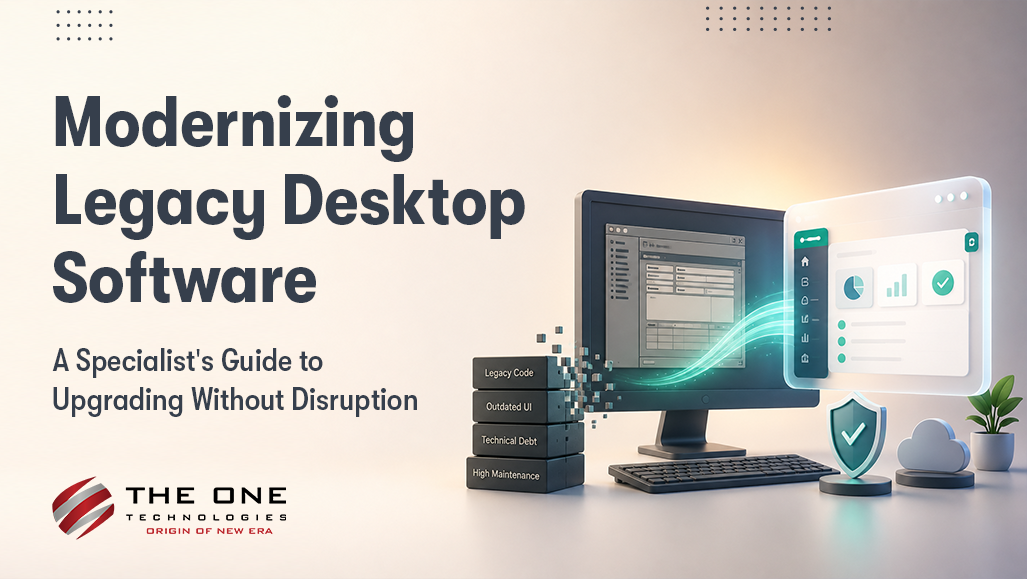
Somewhere in your office, a desktop app built in 2009 is still running payroll. Or inventory. That one process no one fully understands anymore, because the person who built it left 6 years ago and never wrote it down.
It works. Mostly. It also can't talk to your newer systems, breaks on every Windows update, and runs on a server everyone's quietly afraid to restart.
We've sat in enough of these legacy software modernization conversations to know how they start. Not with ambition. With fear of what happens the day that one machine finally dies, and someone realizes there's no backup plan.
The fix isn't tearing the whole thing out on day one. Custom desktop software development done right means finding what's genuinely broken, what still works fine, and building a path between the two without stopping the business along the way. That's the part people underestimate.
Start with an Honest Audit, Not a Rewrite
Before anyone touches a line of code, map what the application does. Not what the original spec says, what it does today. Including the workarounds quietly built around it.
List every dependency. Database version. Printer drivers. That barcode scanner SDK someone installed in 2014 and never documented. In my experience, legacy desktop apps fail during modernization because of a forgotten peripheral integration far more often than because of bad code.
Talk to the people who use it daily, too. They'll tell you which screen freezes every Friday and which report no one trusts anymore. That conversation usually reshapes your project scope more than the technical audit does.

Pick a Path: Rewrite, Refactor, or Wrap
A full rewrite makes sense when the codebase is genuinely unmaintainable, and the business logic is well understood. It's also the slowest option, and the riskiest one.
Refactoring keeps the working core and modernizes the framework underneath it, often shifting from .NET Framework to .NET Core piece by piece. Costs less. Breaks less.
Wrapping just adds a modern interface or API layer on top of the old system while the legacy core keeps doing what it's always done. It buys time without touching the riskiest code at all.
Most projects that go well mix all three across different modules. Picture a manufacturing setup: keep the core scheduling engine untouched, refactor the reporting module, wrap the old label-printing routine in an API instead of going near it. Different strategies, same system, no downtime.
Keep the Business Running During the Transition
Never flip a switch on a Friday afternoon and hope for the best. Run old and new side by side for a defined stretch, feeding both the same data.
Compare outputs daily. If the new system's inventory count doesn't match the old one, you want to know in week 1. Not in month 3, during an audit, with someone asking hard questions.
Roll out by department instead of all at once. Finance can move before warehouse operations does. That sequencing keeps the whole company from feeling the change at the same moment.
Watch for the Failure Points Specific to Desktop Software
Web modernization projects worry about browsers. Desktop ones worry about hardware, and that distinction trips up a lot of teams who've only worked on web migrations before.
Old label printers, signature pads, warehouse scanners: they often depend on drivers that newer operating systems handle poorly, if at all. Test every physical device against the new build early. Not during go-live week, when it's already too late to fix quietly.
Data migration causes just as much trouble. Legacy databases tend to carry years of inconsistent entries: duplicate customer records, fields that quietly changed meaning halfway through, dates stored 3 different ways depending on who entered them. Clean that mess before migration, not after.
Set a Realistic Timeline
A mid-size legacy desktop application usually takes 4 to 9 months to modernize properly. The range depends on how many integrations it touches and how much of the original business logic actually survives the move.
Rushed timelines cause more rollbacks than bad code ever does. Build a testing phase at least as long as the build phase. I'd argue longer, if the system touches anything regulatory or financial.
And budget time for the stuff that never makes the project plan: retraining staff on new screens, updating internal documentation no one's opened in years, the inevitable week someone finds an old report that depended on a quirk in the original system. That week always shows up.
Where This Leaves You
None of this requires replacing everything you have. It requires knowing exactly what you have, in what order to change it, and how to keep the lights on while you do.
Specialized desktop application development services exist for this exact reason. Teams that have run this kind of migration before already know where the failure points hide, long before they cause an outage you have to explain to leadership.
If your legacy system has reached the point where every update feels like a gamble, custom desktop software development built around your existing data and workflows gets you to something modern and maintainable, without the disruption a full rebuild usually drags along with it.
The goal was never the rewrite for its own sake. It was keeping the business running while everything underneath it changed.